Preservation Community
After logging into your PayPal account, confirm your payment method, shipping address, contact information, and click the Pay button.
If you wish to use a different payment method, click the + Add card button.
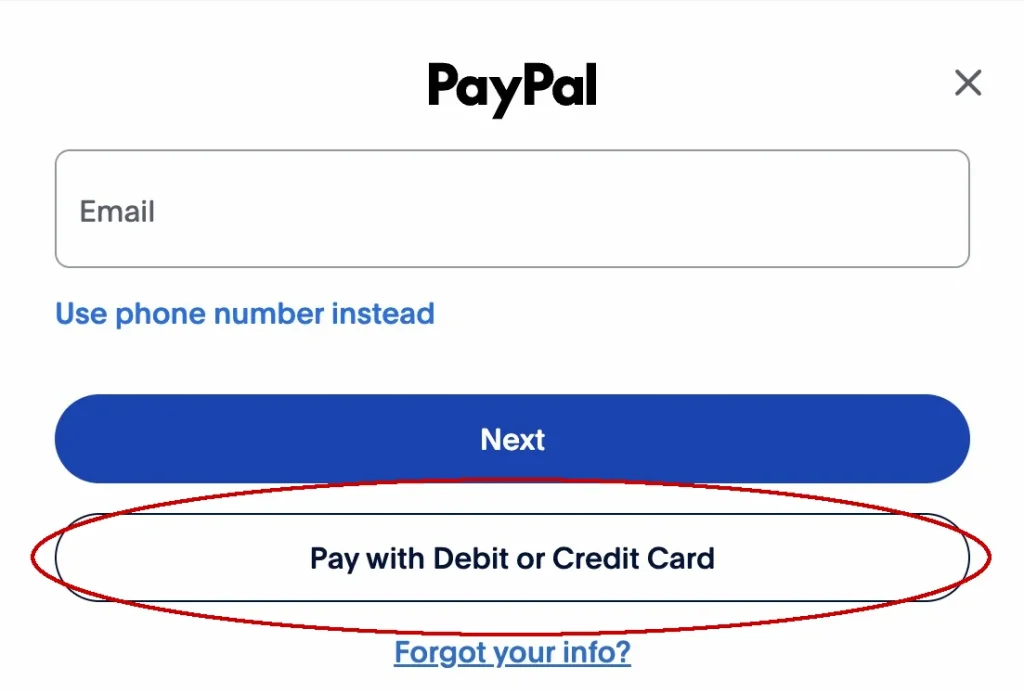
If you don’t have a PayPal account – or do not wish to use it – when the PayPal screen loads, click the Pay with Debit or Credit Card button.
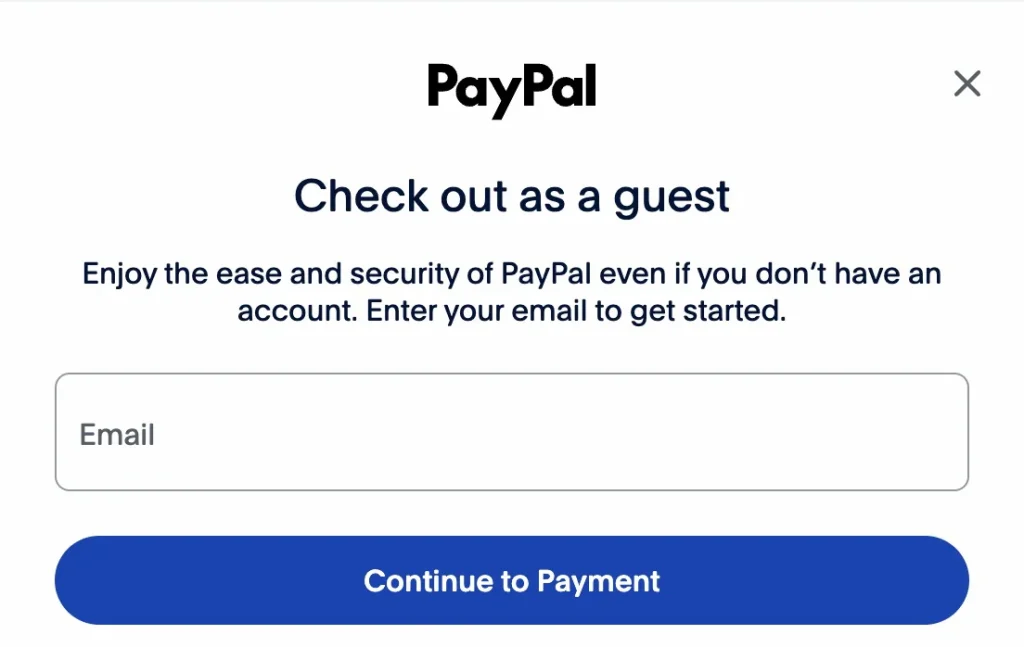
Enter your email address in the next screen:
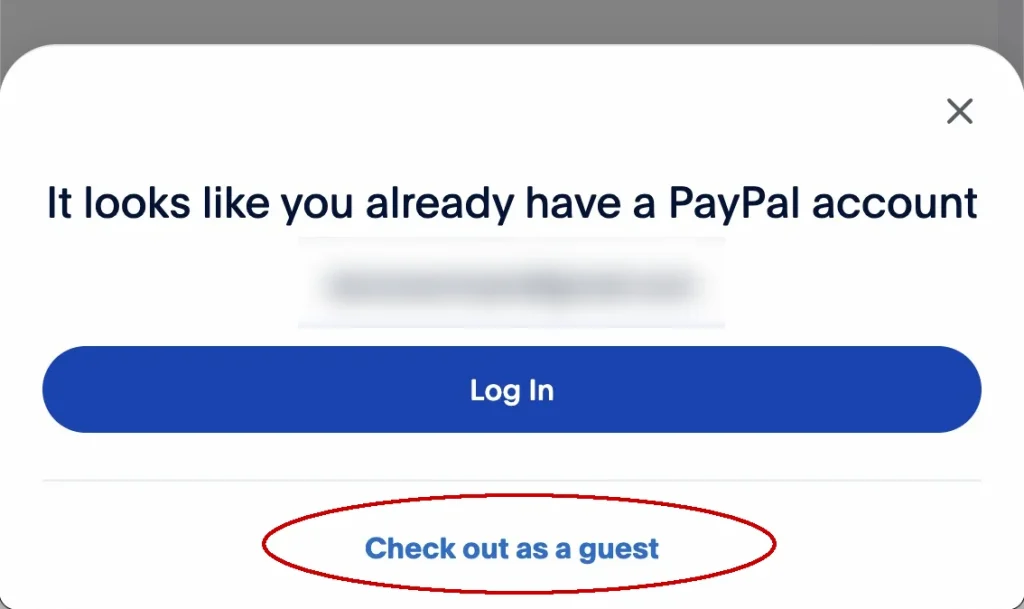
If you have a PayPal account associated with that email address, you’ll want to click the Checkout as a guest link text.
Confirm your contact information, enter your credit card details, and billing address and click the Continue button to complete checkout.
Your cart is currently empty!
Notifications
 Community
 Community